3D animated film
The face gets rounder and the light gets softer, so skin looks like an animated character.
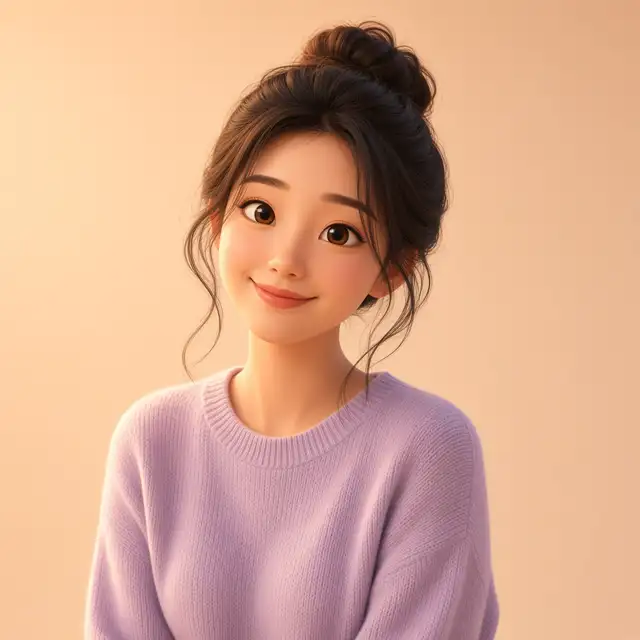
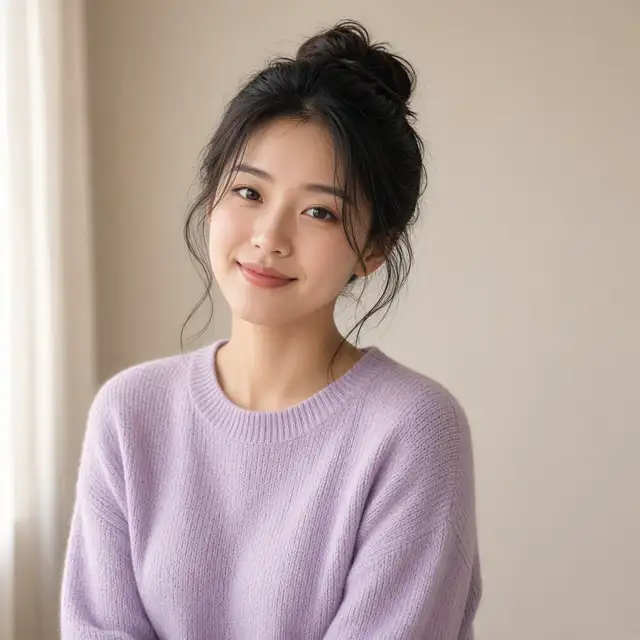
Use it when the face is already clear. Hair keeps its overall shape. Clothing color stays, and the cloth gets smoother. The background often becomes a pale field. A blemish, a stray hair, or glare on glasses may be redrawn. Next line for a closer likeness: "keep the features closer to the photo". For a more cartoon face: "slightly larger eyes".
Group photos need every face fully in frame. Pets work. A front view is steadier than a profile. If the photo is very dark, half covered by a hat, or blurred, upload a clearer one. This preset redraws the person too. To change only the room, use background cleanup. The pictures are examples.
Use it when
- Avatars and cards
- Family photos
- Portraits that should keep a clothing color
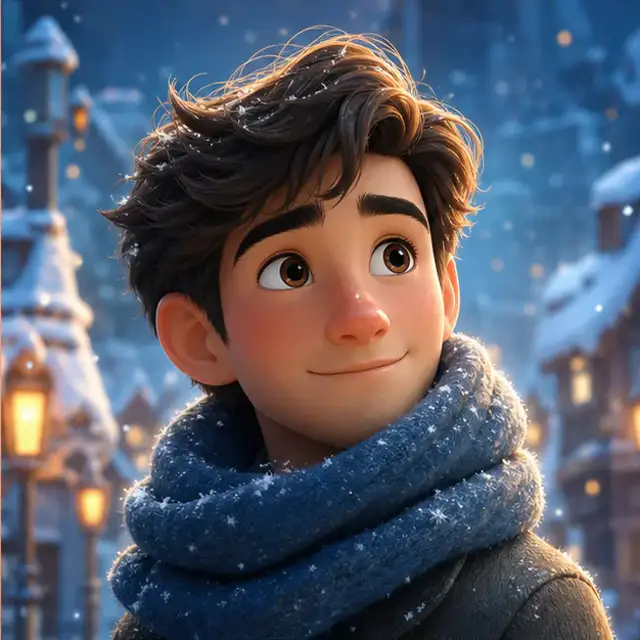
Instructions you can copy
3D animated film, soft studio light, pale background, keep the clothing colorBring the features closer to the photo, do not enlarge the eyes furtherChange the background to a warm gray, leave the person alone
Before you upload
Will it change my face?
The outline stays. Features are redrawn as an animated character. For a closer likeness, the next line is "closer to the photo".
Can I change only the background?
This preset redraws the person too. Use background cleanup when the person should stay.
What if the photo is dark or blurry?
The face needs to be clear. If it is very dark, covered, or blurred, upload another photo.