01
Upload a photo
PNG, JPEG, or WebP, up to 10 MB each. The file is stored privately.
Photo redraw
Choose one preset and write the change you want. The result goes to your library. The next message edits that image.
First Google sign-in adds 10 credits. A failed generation is refunded.



6
style presets
5
credits per generation, refunded if it fails
Same chat
the next line edits the last image
Private
sign in to open your files
Edits
Pick a preset, then name one change: the background, the light, or the expression.
Later messages edit that result. The job waits in a queue and shows up in your library when it finishes.
01
PNG, JPEG, or WebP, up to 10 MB each. The file is stored privately.
02
Pick one of 6 presets. Then name the scene, the light, or the expression.
03
The job waits in a queue. When it finishes, it is in your library. The next message in the same chat edits that image.
Styles
Rounder light. Use it for avatars and family photos.
See this style →
Larger eyes and warmer light. Use it for cards.
See this style →Brush edges stay visible. Use it for everyday photos.
See this style →
Big head, small body. Use it as a profile picture.
See this style →
Replaces a messy background. The person stays in place.
See this style →
Moves the subject to one side and leaves the other side empty.
See this style →The names describe the look. ImgGo is not part of any animation studio.
Example
These four pictures are examples. The words under them are the kind of line you would type.



Illustration
Make a chibi or 3D avatar, then crop it to a circle.
See examples →Illustration
For an article, video, or podcast cover. Put the person on one side and add the title later.
See examples →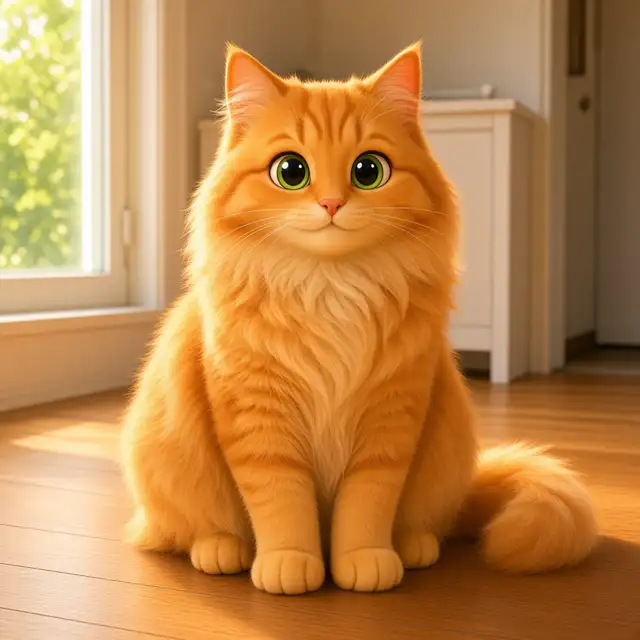
Illustration
Name the coat and the ears. The 3D preset is the one to try first. The cat here is an example.
See examples →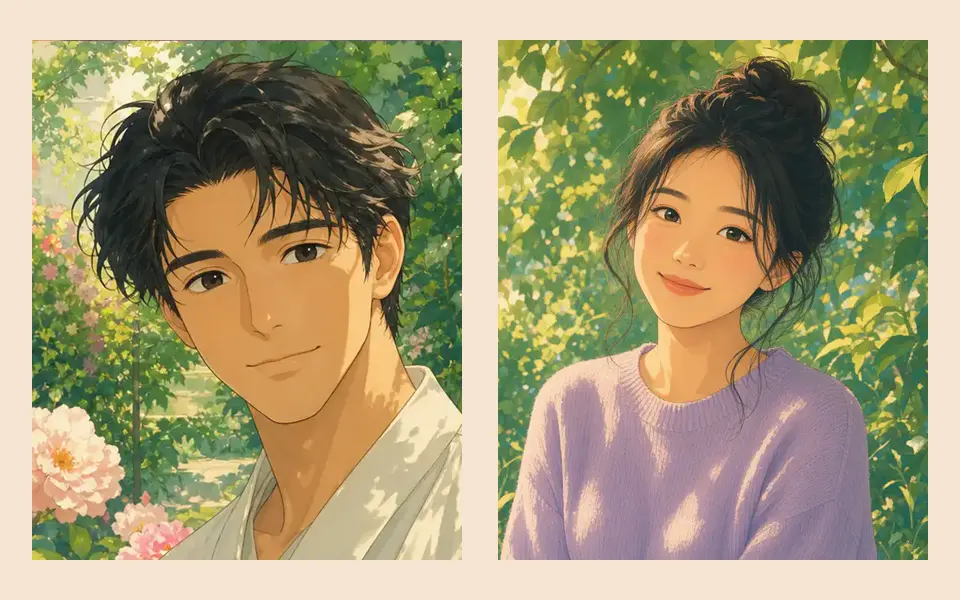
Illustration
Write how many people are in the photo, then use the 3D or hand-painted preset.
See examples →
Illustration
For Lunar New Year or Christmas. Leave a blank area. Do not ask for the greeting to be painted in.
See examples →
Illustration
Background cleanup replaces the table. The object stays where it is.
See examples →The pictures are examples, not photos uploaded by users.
The first Google sign-in adds 10 credits. Each generation costs 5 credits. A failure is refunded. You cannot buy credits in this version.
Google sign-in adds 10 credits. Buying more is not available yet.
No. A failed job refunds the credits it used.
Only you, after you sign in. There is no public gallery and no training switch. A job is sent to the FastClaw agent and the model that agent is set to use. The code has no provider list and no retention period.
It waits in a queue and appears in your library when it is done. There is no published typical time.
PNG, JPEG, or WebP, up to 10 MB each. The file is stored privately.
Google sign-in adds 10 credits. At 5 credits each, that is 2 generations. Buying more is not available.