Cover layout
This preset moves the subject and clears a space for a title.

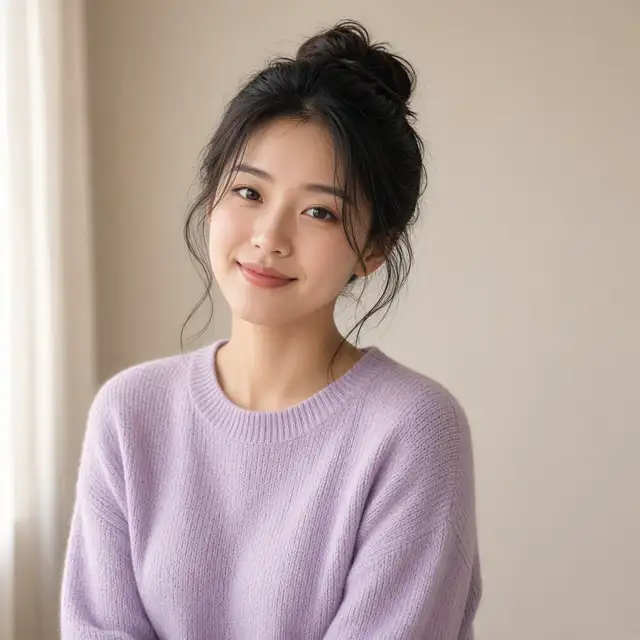
The empty side becomes a pale color or a very faint pattern. Add the title in a layout tool. Painted letters are often wrong, so write "no text".
The first line sets the side: "person on the right, empty space on the left". A square photo can still do this. Crop to 16:9 or 3:4 after export. If hair or the product already touches the edge, leave a margin before you upload. Change the drawing style in a later message. The sample has an empty left side and no letters. It is an example.
Use it when
- Article headers
- Video and podcast covers
- Images that will get a title later
Instructions you can copy
Cover layout, person on the right, a large pale area on the left, no textMore empty space on the left, keep the hair out of itShift the color toward hand-painted animation, leave the empty area where it is
Before you upload
Can the title be painted into the image?
Leave it out. Letters in the image are often misspelled. Add the type in a layout tool.
Can a square become a cover?
Yes. Keep the empty side, then crop to the cover ratio.
How is this different from background cleanup?
Cleanup changes the room and leaves the person where they were. A cover moves the subject to make room for a title.